
How to run a truck and Jeep show
Truck and Jeep shows are their own world, and software built for classic cars rarely fits. You need truck show registration that fits lifted rigs, daily drivers, and trail builds, and Jeep show voting the crowd actually trusts. This guide covers how to run a truck and Jeep show on Car Show HQ. Name the categories that fit your scene instead of forcing everything into someone else's boxes, take entries online or at the gate, and print a windshield card for every rig. The crowd votes from their phones by scanning a QR right at the show, and when voting closes the winners are counted for you. You hand out awards that mean something to the people who wrenched all winter to be there.
Generic categories do not fit a lifted rig
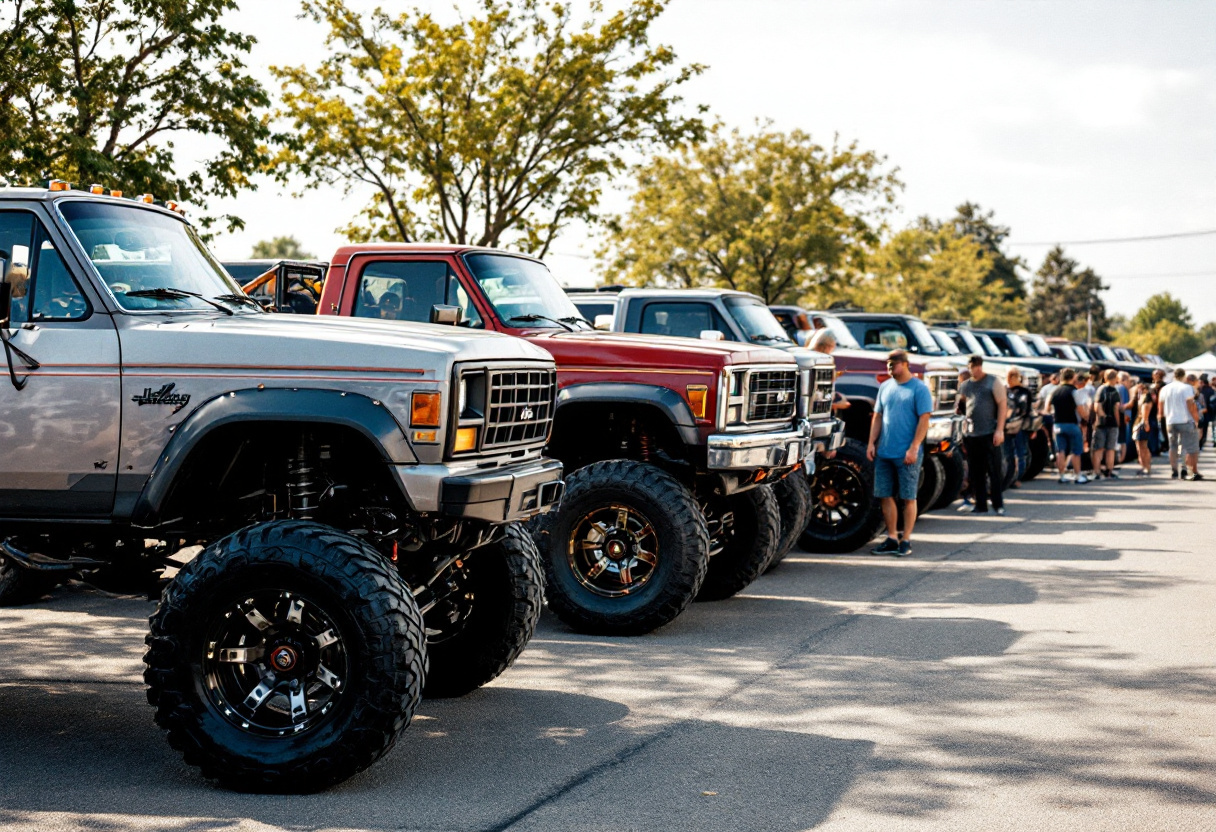
Most show setups were built with sedans and street rods in mind. Try to run a truck and Jeep show through one and you end up cramming a 40-inch trail build and a clean daily driver into the same class, which produces awards nobody in the paddock respects.
Pile the usual paper sign-ups and hand-counted ballots on top of that, and a great turnout turns into a long day at a folding table while the rigs you came to see sit out in the lot without you.
The three tools that matter most here
For a truck and Jeep show, it comes down to categories that fit the builds, easy registration, and a count that is quick.
Results and awards
Name the categories that fit your scene, from daily drivers to trail rigs to show queens, and let each one tally for you.
Learn more →Registration and payments
Take truck and Jeep show registration online or at the gate, paid into your own Square account. We never hold your funds.
Learn more →Spectator voting
The crowd handles Jeep show voting on site by scanning a QR, one vote per phone, locked once cast.
Learn more →How to run a truck and Jeep show in five steps
Set categories that fit the builds
Name your own classes, lifted, daily, trail, show, whatever your crowd runs, so the awards actually mean something to the builders.
Connect your Square account
Link your own Square account so entry money lands with you. Car Show HQ is never the merchant of record and never holds your funds.
Open registration online
Share the sign-up link and take truck and Jeep show registration early from any phone, then handle walk-up rigs at the gate on show day.
Print windshield cards and open voting
Print a plain card with a voting QR for each rig, and let the crowd handle Jeep show voting by scanning and voting right at the show.
Hand out the awards
When voting closes the winners are ready, counted by class, so you call them out and get back to the builds.
Truck and Jeep show questions, answered
How does truck show registration work?
You can take truck show registration online ahead of time and at the gate on show day. Entrants sign up from any phone, choose the class that fits their build, and pay into your own Square account. Walk-up rigs get added at the gate on the same list, so nothing falls through the cracks.
How does Jeep show voting stay fair?
Jeep show voting on Car Show HQ is on site only. Each rig gets a windshield card with a QR code, and spectators scan it to cast one vote from their own phone, with duplicate protection. Votes are locked once cast, so the count holds up.
Can I make my own truck and Jeep categories?
Yes. You name your own classes, from daily drivers to lifted trail builds to show queens, so a 40-inch rig and a clean daily are never judged in the same box. Each class tallies on its own when voting closes.
Where does the entry money go?
Into your own Square account. Car Show HQ is never the merchant of record and never holds your funds, so entry fees land with you and refunds are handled in Square.
See a truck and Jeep show in the demo
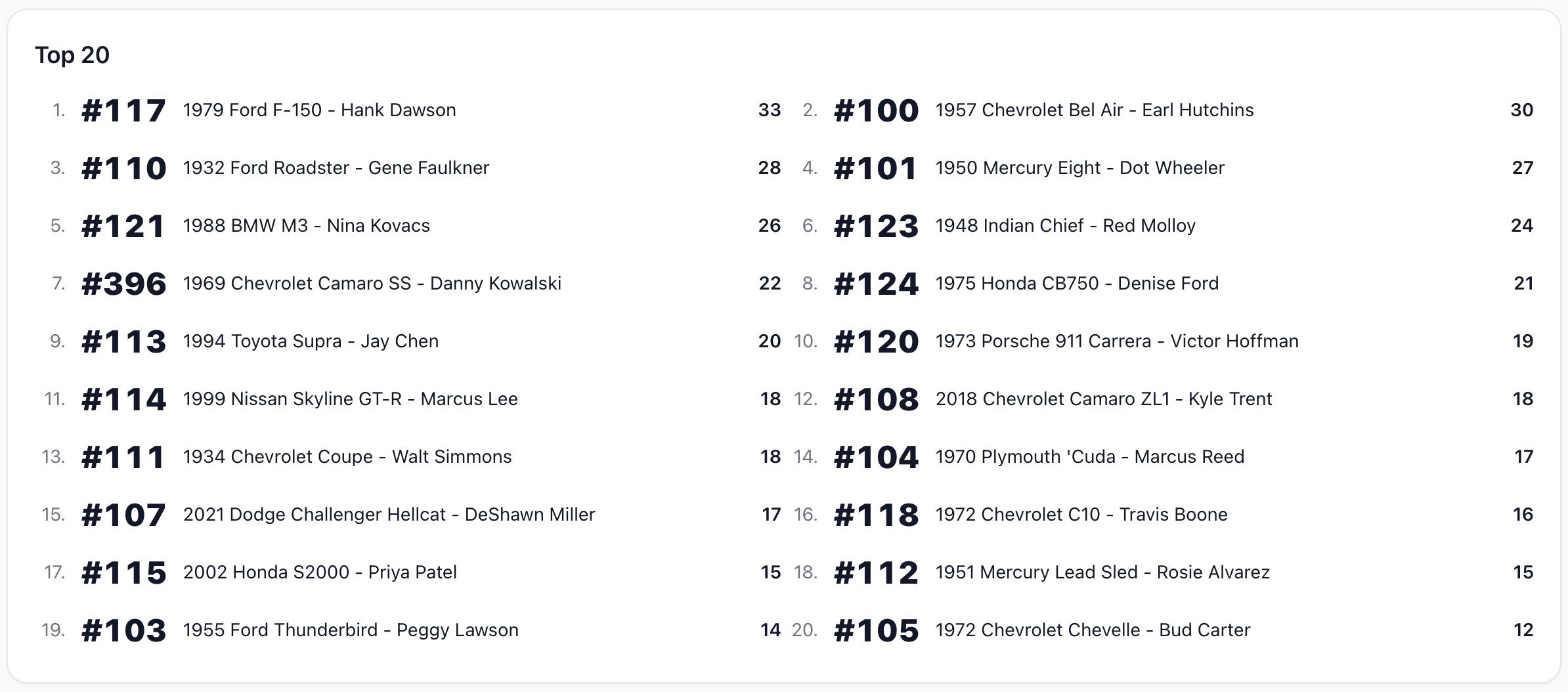
Click through a seeded truck and Jeep show with custom classes, on-site QR voting, and a finished tally, so you can see how your build categories would look before you set anything up.
Run a show built for your rigs
Name your own categories and open registration in minutes.
